Abra Kadabra AI Dance Trend: Snap and Make Someone Appear
In the Abra Kadabra AI dance, one dancer moves alone, snaps their fingers and a second dancer appears beside them for the rest of the routine. You supply the dancers: yourself plus a friend, yourself plus your pet, or two copies of yourself. Each version runs 12 seconds with the original song.
The versions at a glance
| Version | Photos | Length | Who plays what |
|---|---|---|---|
| Friend | 2 | 12 s | You dance first and snap; your friend appears |
| Pet | 2 | 12 s | You dance first and snap; your pet appears |
| Clone | 1 | 12 s | Both dancers are you, like twins |
What is the Abra Kadabra snap dance?
The routine is filmed on a fixed phone camera in a plain, bright living room: white walls, a wooden floor, a black leather sofa at the left edge and an open doorway at the back. The first dancer starts alone on the left. On the snap, a second dancer is suddenly there, and the two finish the funk routine together.
The snap is the whole trick, so the remakes play with who appears: a best friend, a dog or a cat, or a perfect double. Play the preview once with sound to hear where the entrance lands.
Which version should you choose?
- Friend: two photos. Photo 1 is you: you dance alone first and snap. Photo 2 is the friend who appears.
- Pet: two photos. Photo 1 is you; photo 2 is your pet, which replaces the second dancer completely, whole body included.
- Clone: one photo. Both dancers are you, so it looks as if you summoned your own twin.
What photos work best?
This is a full-body dance, so full-body photos work best. Stand against a plain background with your arms and feet in frame and your face clear. The dancers wear the clothes from your photos, so the outfit you are wearing in the picture is the outfit you dance in.
For the Pet version, use a photo with the whole animal in view, not just its head. For Clone, one full-body photo is enough because it is used for both dancers.
Use JPG, PNG or WebP, up to 10 MB per photo and 20 MB in total.
How to make the video, step by step
- Open the Abra Kadabra Snap Dance template and watch the snap.
- Choose Create your own and select Friend, Pet or Clone.
- Add your photo first, then the person or pet who appears.
- Choose a model and check the price in credits.
- Start the video and open Studio when it is ready.
How much does a Abra Kadabra Snap Dance video cost?
Vremix charges credits for the length of the finished video, at 720p, and the price depends on the model. A 12-second Abra Kadabra Snap Dance video costs:
| Model | Best for | Credits per video |
|---|---|---|
| Seedance 2.0 Mini | Make short videos for the fewest credits | 144 |
| MiniMax H3 | Match the original’s gestures and expressions | 239 |
| Seedance 2.0 | Capture fine details in complex motion | 288 |
| Seedance 2.5 | Keep the action flowing across cuts | 432 |
The starter pack (240 credits for $6.90) covers one video on Seedance 2.0 Mini. The Studio shows which models are open and the exact price before you start; that is the price you pay. Finished videos carry no watermark. See pricing for subscriptions and larger packs.
What goes wrong, and how do you fix it?
- The wrong person dances first. Slot one always dances alone and snaps. Swap the photos.
- The outfit looks wrong. The clothes come from your photos. Use a picture in the outfit you want to dance in.
- The body looks stretched or cropped. Use a full-body photo with some space around you instead of a selfie.
- The video failed. Credits are returned if a video fails or is stopped by review.
Only use photos of people who agreed to appear. See the content policy.
Questions people ask
Can I do the Abra Kadabra trend alone?
Yes. The Clone version uses one full-body photo for both dancers, so you appear next to yourself.
Can my dog or cat appear after the snap?
Yes. Choose the Pet version and add a photo that shows your pet’s whole body.
How long is the Abra Kadabra video?
Each version is 12 seconds long and keeps the original song.
Do I need to write a prompt?
No. The template supplies the moves, camera and timing; you only add photos.
More trend guides
-
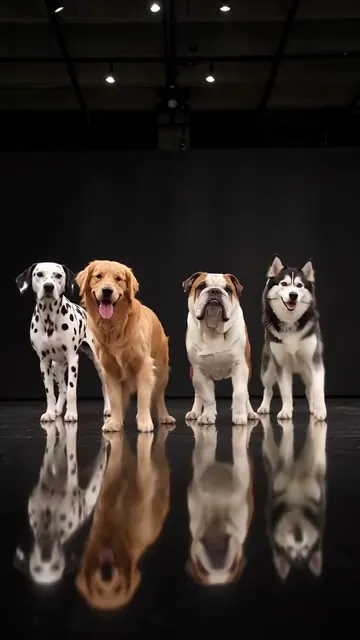 Trend guide
Single Ladies Dog Dance AI: Make Your Pet the Lead Dancer
Choose a four-dog lineup or a studio trio for the Single Ladies dance. See where your lead photo goes and how to add up to three more pets. · 2 min read -
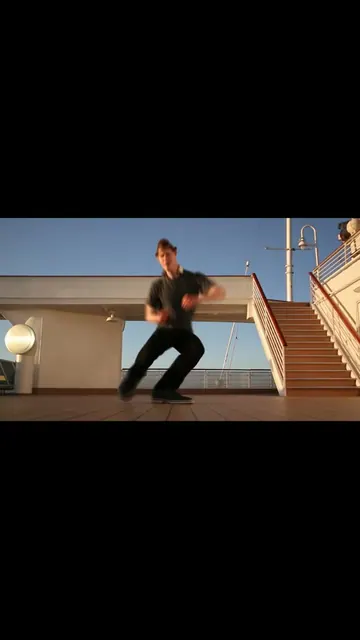 Trend guide
24K Magic AI Dance Trend: Own the Cruise Ship Deck
Dance to Bruno Mars’s “24K Magic” on a sunny cruise ship deck with one photo, your pet or a friend in the corridor. The moves, versions and credit cost. · 2 min read -
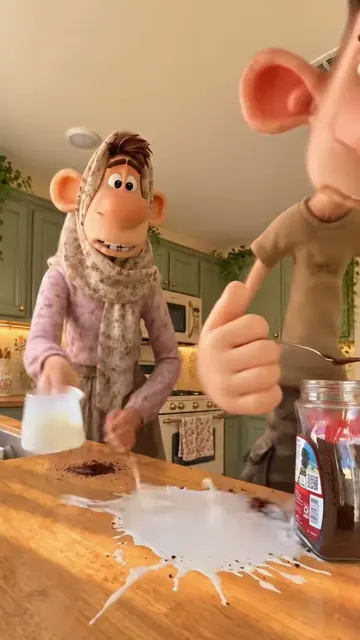 Trend guide
Mr and Mrs Stretchy AI Trend: Turn Yourself Into a Clay Couple
Turn a couple, yourself or your pets into the stretchy clay pair from the kitchen clip. The four versions, photo order, credit cost and tips. · 3 min read